


In this article, you will learn how to create contacts in SendX from leads or users in Intercom.
SendX's deep integration with Intercom ensures that your users and leads are automatically created in SendX. In the next steps we will see how to setup the entire workflow.
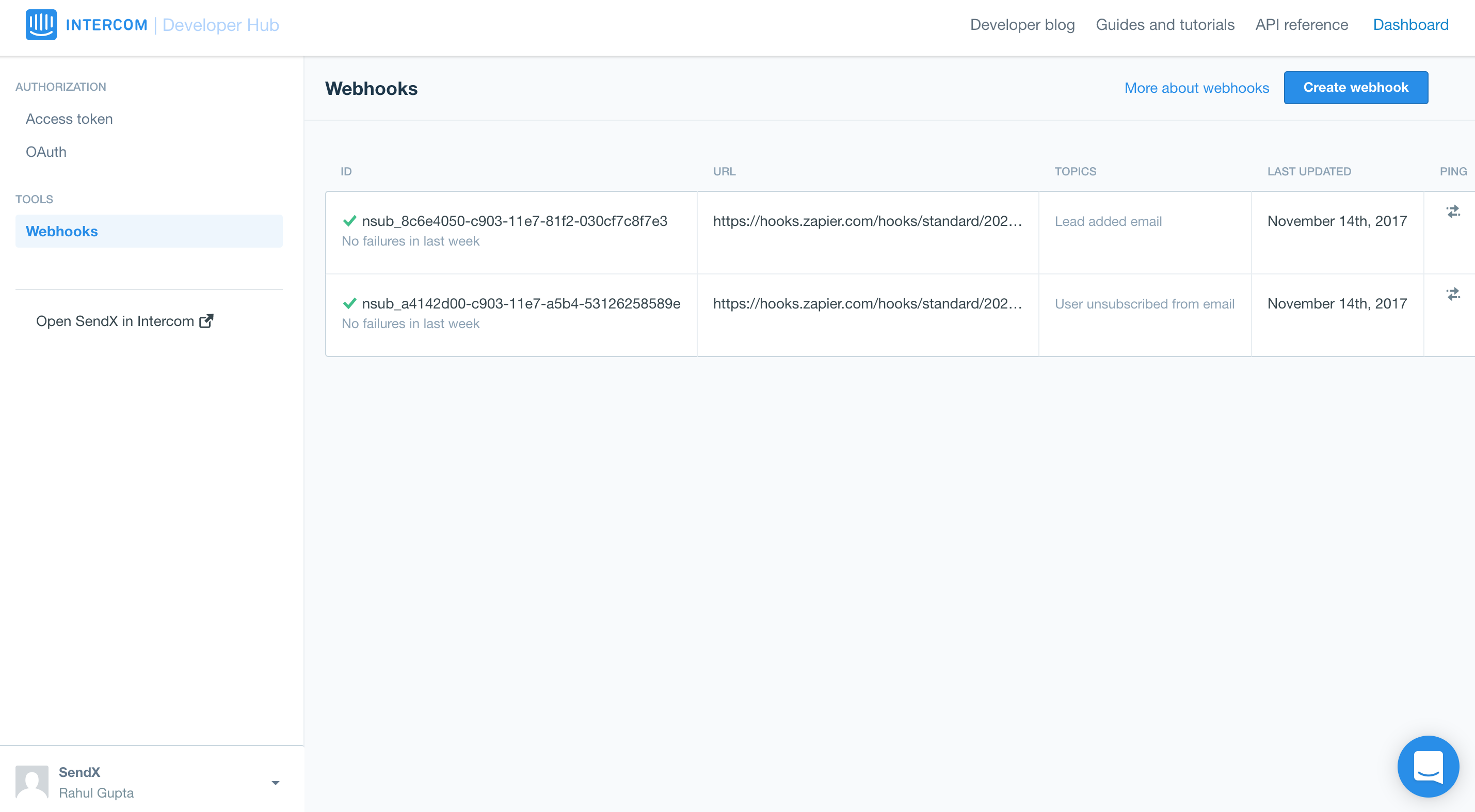
Please log in to your Intercom Developer Hub dashboard. You should see a screen similar to the image below..
Create a webhook with the webhook URL set to https://app.sendx.io/api/v1/integration/intercom/team/<TeamId> and select the following checkboxes: Lead signs up, Lead added email, and User created, as shown in the image below.
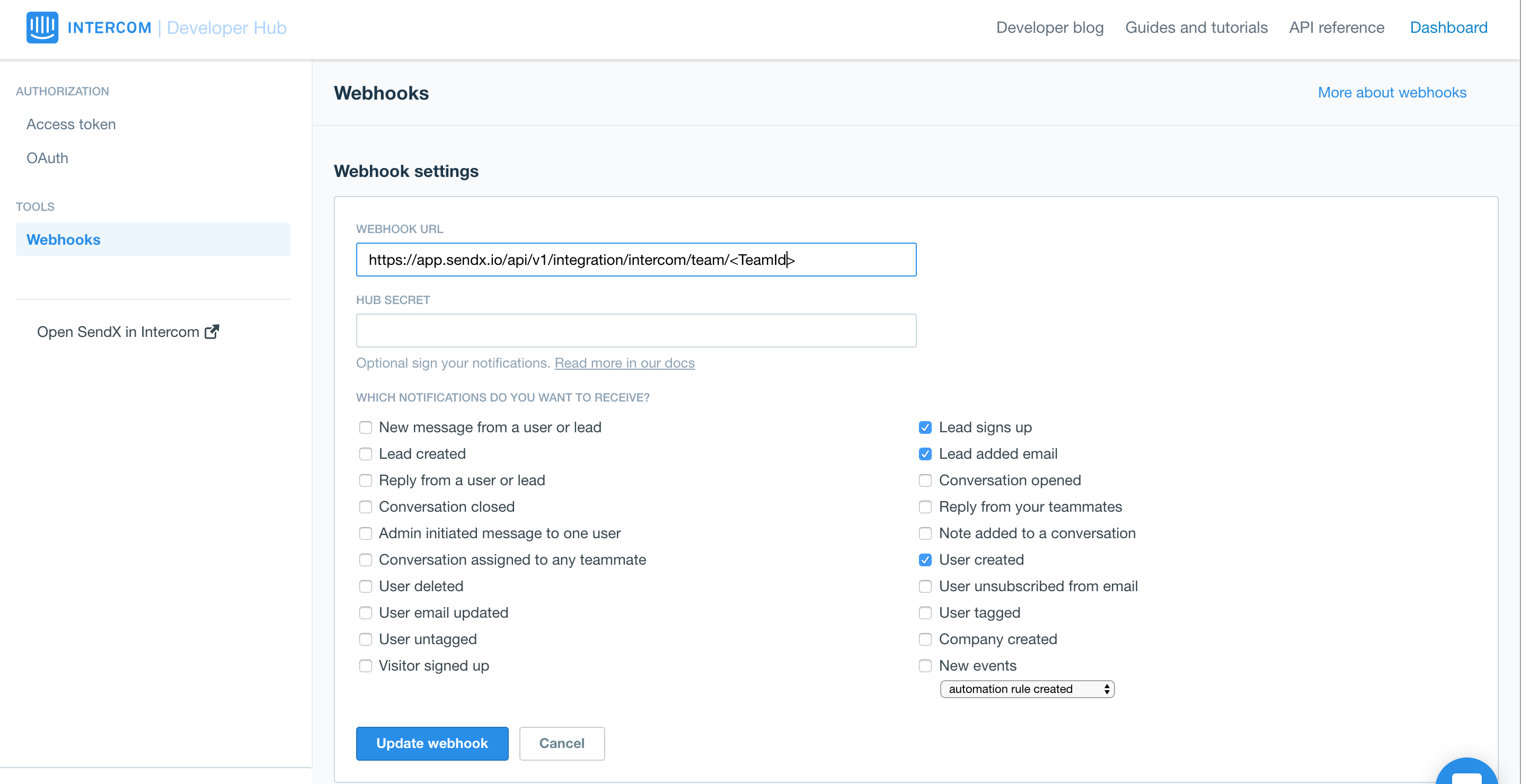 Finally Create the webhook by clicking the Create Webhook button. Your intercom integration with SendX is now complete
